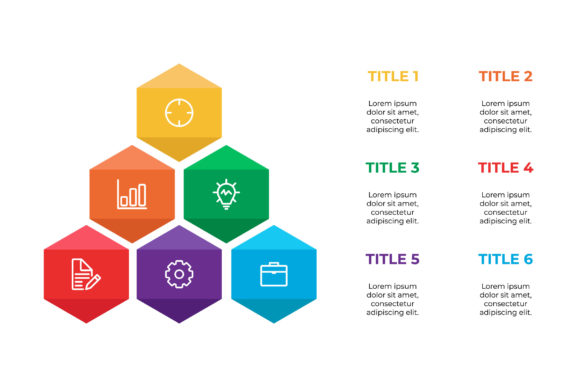
Evaluating Infographic Template V.10 for Professional Visual Communication
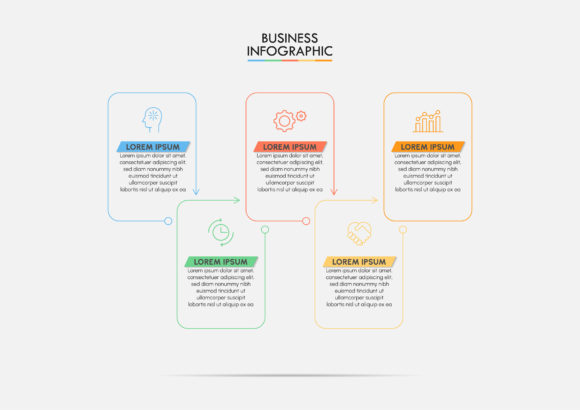
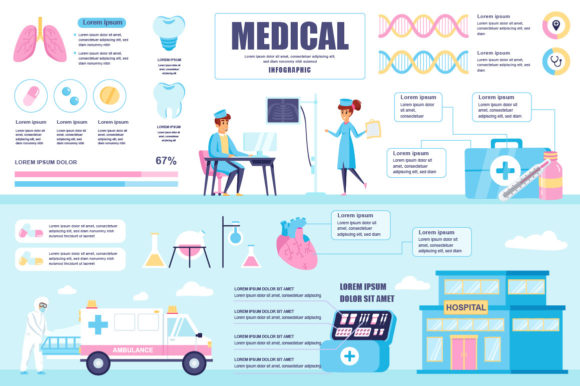
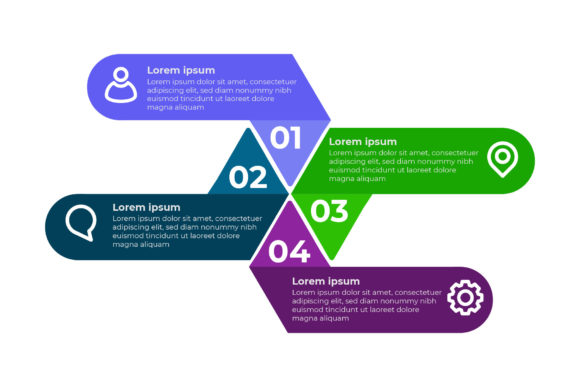
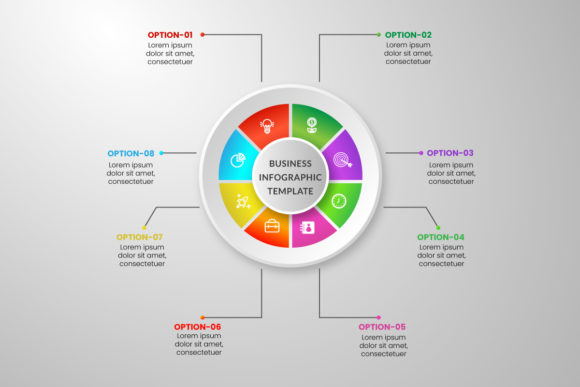
In the landscape of digital content creation, the ability to synthesize complex data into digestible visual formats is a distinct competitive advantage. For professionals ranging from marketing strategists to educational content creators, the bottleneck often lies not in the data itself, but in the design execution. Infographic Template V.10 addresses this specific friction point by providing a structured, vector-based framework designed for efficiency without sacrificing aesthetic integrity. This resource is not merely a collection of shapes; it is a functional design system built on a 16:9 aspect ratio that aligns with modern presentation standards and digital display requirements.
When evaluating design assets, practical utility must take precedence over novelty. Infographic Template V.10 distinguishes itself through its technical foundation and editable architecture. It serves as a middle ground between starting from a blank canvas and relying on rigid, web-based generators that limit export quality. By offering native Illustrator CC and EPS 10 files, this template ensures that users retain full ownership and scalability of their visual assets, a critical factor for long-term brand consistency and professional output.
Technical Specifications and File Integrity
The value of any vector template is defined by its underlying construction. Infographic Template V.10 is delivered with three distinct file types, each serving a specific role in the production workflow. Understanding these components is essential for determining if the asset fits your current software ecosystem and project requirements.
- Illustrator CC File: This is the primary source file. It retains all layer structures, text attributes, and vector paths in their native state. For users with Adobe Creative Cloud subscriptions, this file offers the highest degree of manipulability, allowing for non-destructive editing, color profile management, and integration with other Adobe assets.
- EPS 10 File: The Encapsulated PostScript format ensures backward compatibility. EPS 10 is a crucial inclusion for teams using older versions of Illustrator or alternative vector software like CorelDRAW or Affinity Designer. It preserves vector scalability while ensuring that the file remains accessible across different operating systems and software generations.
- Preview JPEG: While not an editable source, the high-resolution JPEG preview serves as an immediate reference tool. It allows team members without design software to review layouts, approve concepts, or use the graphic in low-stakes internal communications before final production begins.
The choice of a 16:9 aspect ratio is a deliberate strategic decision. Unlike vertical infographics designed primarily for Pinterest or mobile scrolling, the 16:9 format is optimized for slide decks, YouTube thumbnails, webinar backgrounds, and embedded website content. This makes Infographic Template V.10 particularly relevant for B2B communication, corporate reporting, and educational modules where horizontal screen real estate is the standard.
Workflow Efficiency and Editable Vector Architecture
The primary promise of Infographic Template V.10 is time savings, but this is only realized if the file is organized logically. A poorly constructed template can sometimes take longer to fix than designing from scratch. In practical application, this template demonstrates a focus on user experience through its editable text and vector elements. The text boxes are typically linked and styled with paragraph presets, meaning global font changes can be applied instantly rather than manually adjusting individual labels.
For marketers and entrepreneurs, this editability translates to agility. When quarterly data shifts or a client requests a rebrand, the vector nature of the template allows for rapid iteration. Colors can be adjusted via global swatches, and icons can be swapped without pixelation. This flexibility supports a sustainable content strategy where visual assets are treated as living documents rather than disposable one-offs.
Furthermore, the vector foundation ensures resolution independence. Whether the infographic is displayed on a mobile device or printed on a large-format banner for a trade show, the lines remain crisp. This eliminates the common issue of rasterized artifacts that plague template users who attempt to scale PNG or JPG exports beyond their intended dimensions. For freelancers delivering work to multiple clients, this scalability reduces the need to create separate files for different media channels.
Practical Applications Across Industries
The versatility of Infographic Template V.10 becomes apparent when mapped against specific professional use cases. Its neutral yet polished aesthetic allows it to adapt to various sectors without requiring extensive redesign.
- Corporate Reporting and Internal Comms: HR departments and operations managers can utilize the template to visualize employee engagement surveys, safety protocols, or quarterly KPIs. The 16:9 format fits seamlessly into PowerPoint or Keynote presentations, maintaining visual continuity during meetings.
- Content Marketing and Blogging: Publishers and bloggers can break up long-form text with structured visuals. Because the template is vector-based, it can be exported as an SVG for web use, improving page load speeds and SEO performance compared to heavy image files.
- Educational Content Creation: Educators and trainers benefit from the clear hierarchy inherent in the template design. Complex processes or historical timelines can be laid out logically, aiding student retention. The ability to edit text means the same base template can be reused across different courses or semesters.
- SaaS and Tech Documentation: Technical writers and product marketers can use the layout to explain feature sets, integration workflows, or pricing tiers. The clean lines and ample whitespace typical of V.10 help prevent cognitive overload when presenting dense technical information.
Assessing Quality and Long-Term Value
When investing in digital assets, professionals must look beyond the initial purchase price to consider total cost of ownership and longevity. Infographic Template V.10 scores well in this regard due to its adherence to industry-standard file formats. Unlike proprietary templates locked into specific online platforms, these files are portable. If your agency switches software or you hire a new designer five years from now, the asset remains usable.
Quality also extends to the design principles embedded in the template. Effective infographics rely on visual hierarchy, contrast, and alignment. V.10 provides a pre-validated grid system that guides placement, reducing the likelihood of amateur layout errors. For non-designers, this guardrail function is invaluable. It enforces a level of professionalism that might otherwise require hiring a dedicated graphic artist for every minor update.
However, users should approach customization with discipline. The template provides structure, not content strategy. Overcrowding the designated spaces with excessive text or too many data points will degrade readability regardless of how well the template is designed. The most successful implementations of Infographic Template V.10 involve rigorous editing of the source material before opening Illustrator. Treat the template as a container for refined insights, not a dumping ground for raw data.
Considerations and Limitations
To provide a balanced evaluation, it is necessary to acknowledge where this template may not fit. The 16:9 aspect ratio, while versatile for screens, is suboptimal for platforms favoring vertical content like Instagram Stories or TikTok. Users focused exclusively on mobile-first social media strategies may find the horizontal orientation restrictive without significant cropping or restructuring.
Additionally, while the files are compatible with EPS 10, advanced features specific to newer Illustrator CC versions (such as variable fonts or certain gradient meshes) may not translate perfectly backward. Teams working in mixed-software environments should test the EPS file immediately upon acquisition to ensure it meets their specific interoperability needs. Finally, because this is a static vector file, it lacks the interactive capabilities of web-native data visualization tools. If your goal is to allow users to filter data dynamically on a webpage, this template serves best as a visual mockup or fallback image rather than the final interactive solution.
Making the Decision for Your Workflow
Infographic Template V.10 represents a pragmatic solution for professionals who prioritize control, quality, and efficiency. It bridges the gap between the accessibility of drag-and-drop tools and the power of professional design software. For freelancers, small business owners, and corporate teams, it offers a reliable foundation that accelerates production while maintaining high standards of visual communication.
Ultimately, the decision to adopt this template should be based on your specific output requirements. If you frequently produce horizontal visual content for presentations, websites, or reports, and you possess access to vector editing software, this package delivers tangible ROI. It transforms the daunting task of infographic design into a manageable, repeatable process. By securing the Illustrator CC and EPS 10 source files, you are not just buying a single graphic; you are acquiring a flexible asset that can evolve alongside your content strategy for years to come. Evaluate your upcoming projects against the 16:9 format and vector capabilities described here to determine if Infographic Template V.10 aligns with your operational goals.